
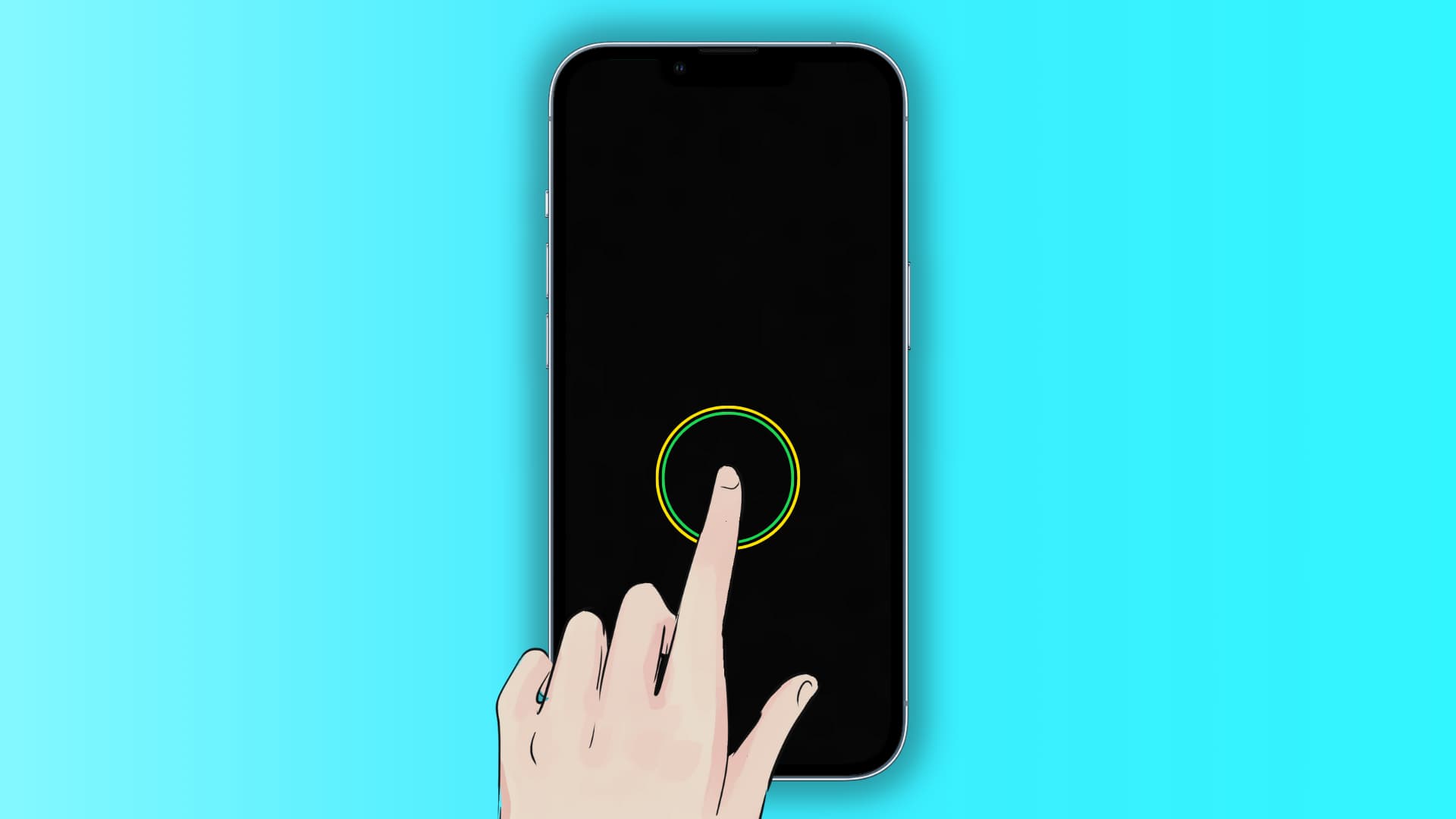
91: The Finger That Never Gets Tired
Auto Clicker-Auto Tap & Swipe
Auto Clicker AG by Bright Prospect is a utility application that transforms repetitive screen interaction into automated sequences, effectively giving users a programmable digital finger that never fatigues. With over ten million downloads and a four point seven star rating, it has become one of the most widely adopted automation tools on the Android platform. The app addresses a genuine and often overlooked problem: the physical toll of repetitive tapping, swiping, and long-pressing that modern mobile interfaces demand from users.
The app operates in a category that sits at the intersection of productivity, accessibility, and gaming utility. For users with repetitive strain injuries, motor impairments, or simply tasks that require thousands of identical interactions, an auto clicker is not a convenience but a necessity. For gamers grinding through resource collection or players navigating click-heavy interfaces, it removes the tedium that drives users away from otherwise engaging experiences.
Core Capabilities
The app offers multiple operational modes designed for different automation scenarios. Single target mode allows users to set one specific point on the screen where the app will execute repeated taps at configurable intervals. Multi-target mode enables simultaneous or sequential tapping at multiple screen locations, supporting complex interaction patterns that mirror real user behavior. Swipe automation records and replays gesture sequences including long presses, drags, and directional swipes.
The configuration granularity is substantial. Users can define click intervals down to the millisecond, set duration limits for each tap, specify repetition counts, or enable infinite looping until manual termination. The floating control panel provides start, pause, and stop functionality without requiring users to return to the app interface, allowing automation to run over other applications seamlessly.
A recording mode captures complex gesture sequences including taps, swipes, and long presses, then replays them on demand. This macro functionality transforms the app from a simple tapper into a workflow automation tool capable of navigating multi-step processes. Saved scripts can be stored and loaded for different tasks, eliminating the need to reconfigure settings repeatedly.
The game mode incorporates anti-detection technology designed to make automated interactions appear more human-like to games and applications that monitor for bot behavior. This is particularly relevant for mobile games that ban players detected using automation tools. The timer start function allows users to schedule automation to begin at specific times, useful for flash sales, timed events, or any scenario requiring precise initiation.
What It Does Well
The app's primary strength is accessibility and ease of configuration. The interface is straightforward, with clear visual indicators for target placement and interval adjustment. Users can set up a basic automation sequence within seconds of first launch, a low friction entry point that explains the app's massive adoption. The floating control panel is intuitive and does not obstruct the underlying application interface.
The multi-target and recording capabilities elevate it beyond simple clicker utilities. Users can automate entire workflows, from navigating through app menus to completing forms, without writing code or using desktop-based macro tools. This democratizes automation for users who would never consider traditional scripting solutions.
The anti-detection game mode, while ethically contentious, is technically competent. It introduces micro-variations in timing and touch pressure simulation that make automated interactions less obviously mechanical. For users with legitimate accessibility needs who might otherwise be flagged as cheaters, this feature provides meaningful protection.
Performance is generally reliable on mid-tier and flagship devices. The app runs as a background service with minimal battery impact when configured reasonably. The ability to adjust floating control transparency ensures that automation controls do not interfere with content viewing.
The free tier is genuinely functional, with core automation features available without payment. This accessibility explains the high download volume and positive rating among users who might not otherwise explore automation tools.
Limitations and Concerns
The most significant concern is the app's requirement for accessibility service permissions. These are among the most powerful permissions available on Android, granting the app ability to read screen content, interact with other applications, and observe user behavior across the entire device. While necessary for automation functionality, this creates a substantial trust surface. Users must accept that the app can theoretically observe and interact with banking apps, messaging platforms, and any other sensitive interface. The developer states that no personal data is collected through these permissions, but users have limited technical means to verify this claim.
The advertising model is intrusive. Full-screen advertisements and banner placements interrupt configuration workflows and appear during automation sessions. For an app designed to reduce friction, the ad experience introduces significant friction of its own. Users report that advertisements occasionally trigger at inopportune moments, disrupting carefully timed automation sequences.
Stability issues are documented, particularly on older Android versions and budget devices. Users report occasional freezing, crashes during extended automation sessions, and failure to resume after interruptions. The app requires Android 7.0 or above, which excludes a meaningful portion of the global Android installed base. On devices running Android 12 and above, additional permission complexities can cause configuration failures that require troubleshooting.
The ethical implications of anti-detection technology deserve consideration. While the feature serves legitimate accessibility needs, it also enables users to violate terms of service in competitive games, automated social media engagement, and other contexts where artificial interaction undermines fair play. The app does not distinguish between legitimate accessibility use and exploitative automation, placing ethical responsibility entirely on the user.
The floating control panel, while useful, can interfere with system gestures and application interfaces. Users report accidental activations, obstruction of critical UI elements, and conflicts with games that use edge-swipe controls. The transparency adjustment helps but does not fully resolve these interaction conflicts.
The developer, Bright Prospect, lacks the established reputation and transparency infrastructure of larger utility publishers. Privacy policy documentation and data handling practices are not as prominently detailed as those of major competitors, creating uncertainty for security-conscious users.
Competitive Positioning
The auto clicker category is crowded with alternatives, each offering similar core functionality with varying degrees of polish. OP Auto Clicker provides comparable features with a cleaner interface and fewer advertisements but lacks the anti-detection game mode. Click Assistant offers more advanced scripting and visual programming but carries a steeper learning curve. AutoInput, part of the Tasker ecosystem, provides deeper system integration but requires significantly more technical knowledge and paid plugins.
Against these alternatives, Auto Clicker AG wins on simplicity and broad device compatibility. It loses on advertisement intrusiveness and stability compared to premium or open-source alternatives. For users who need anti-detection capabilities specifically, it occupies a relatively unique position, though this advantage is ethically double-edged.
Target Audience
The app is best suited for users with repetitive strain injuries or motor impairments who need assistance with high-frequency touch interactions. It appeals to mobile gamers engaged in resource grinding or repetitive gameplay loops. Productivity users who need to automate form filling, data entry, or testing workflows on mobile devices will find the recording and multi-target features valuable.
It is not recommended for users with stringent security requirements who are uncomfortable granting accessibility permissions to third-party tools. Users seeking completely ad-free automation should explore paid alternatives. Competitive gamers should be aware that anti-detection features do not guarantee protection against game developer ban policies.
Verdict
Auto Clicker AG is a competent, widely adopted automation utility that solves a genuine problem with minimal technical barrier. Its four point seven star rating reflects real utility for users who need to escape the physical toll of repetitive mobile interaction. The feature set is generous for a free app, and the anti-detection mode, while ethically complex, serves legitimate needs.
However, the permission requirements, advertising model, and stability issues prevent it from being an unqualified recommendation. Users must weigh the convenience of automation against the security implications of accessibility service access and the frustration of advertisement interruptions.
Rating: Seven out of ten. A functional and accessible automation tool with genuine utility for productivity, gaming, and accessibility needs, undermined by intrusive advertising and significant permission requirements. Recommended for users who understand and accept the security trade-offs. Not recommended for users with high security sensitivity or those seeking completely stable, ad-free automation.