
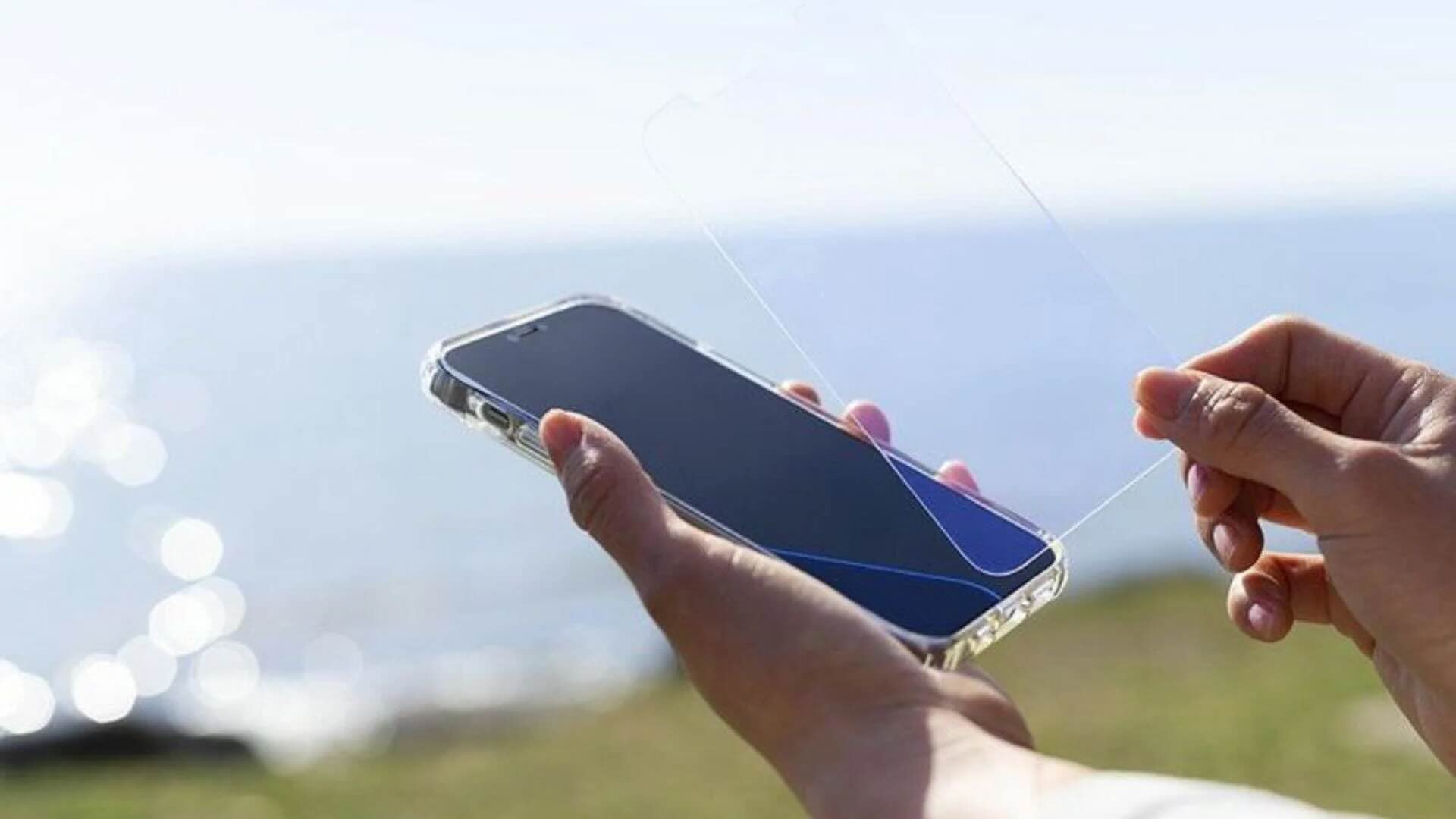
96: The Invisible Shield for Your Screen
Privacy Display: Hide Screen
Privacy Display: Hide Screen by MAA FOR APPS is a lightweight utility application designed to address a specific and increasingly relevant privacy concern: preventing visual eavesdropping on smartphone screens in public and shared spaces. With over one hundred thousand downloads but zero reviews, it represents a curious case of significant adoption without vocal user feedback, suggesting either quiet satisfaction or minimal engagement beyond the initial installation.
The app enters a category that has grown in importance as mobile devices become the primary interface for sensitive personal and professional activities. Commuters on trains, professionals in open offices, students in libraries, and travelers in airports all face the risk of shoulder surfing, where nearby observers can read passwords, messages, financial data, or private communications displayed on screens. Privacy Display attempts to mitigate this risk through software-based screen filtering rather than hardware privacy screen protectors.
Core Capabilities
The app applies a customizable overlay filter to the device screen that reduces visibility from off-angle viewing. Users can select from various patterns and solid colors to obscure screen content, with adjustable opacity levels that balance privacy protection against personal usability. The filter can be toggled on and off through the app interface, allowing users to activate privacy mode when entering public spaces and deactivate it when alone.
The overlay approach means the privacy protection works across all applications and system interfaces without requiring individual app configuration. Whether browsing banking apps, reading confidential emails, or viewing personal photos, the filter applies uniformly. This system-level coverage is a significant advantage over app-specific privacy modes that must be configured separately for each application.
The app is designed to be lightweight, with a small installation footprint that should not significantly impact device performance or battery life. This efficiency is particularly relevant for users on older or budget devices where resource-intensive applications can cause noticeable slowdown.
What It Does Well
The app addresses a genuine and underappreciated privacy vulnerability. Shoulder surfing remains one of the most common and least technically sophisticated methods of unauthorized information access. While hardware privacy filters exist, they are expensive, device-specific, and can degrade display quality. A software alternative that costs nothing and requires no physical installation is inherently appealing.
The system-wide coverage is the app's most valuable feature. Unlike individual app privacy modes or keyboard privacy overlays that protect only specific inputs, Privacy Display protects the entire screen surface. This comprehensive approach is essential because sensitive information appears across multiple applications and system notifications.
The lightweight design ensures broad device compatibility. Users with limited storage or older Android versions can install and run the app without the performance concerns that accompany more complex security utilities.
The zero-review status, while unusual, does not necessarily indicate poor quality. It may reflect that users find the app functional enough to keep but not remarkable enough to review, or that the app attracts users who prefer not to leave digital traces of their privacy tool usage.
Limitations and Concerns
The most significant limitation is the fundamental nature of software-based privacy filtering. Unlike hardware privacy screens that use micro-louvers to restrict viewing angles at the physical level, software overlays simply darken or pattern the display. A determined observer standing directly behind the user can still see screen content, albeit with reduced clarity. The protection is partial, not absolute.
The app requires the display over other apps permission, which is among the most sensitive permissions on Android. This allows the app to draw over any interface, including banking apps and system screens. While necessary for the privacy overlay function, this permission creates a substantial trust surface. Users must accept that the app can theoretically observe and interact with everything they do on their device. The developer, MAA FOR APPS, has limited public presence and no established security track record, making this trust dependency uncomfortable for privacy-conscious users.
The advertising model introduces friction and potential security concerns. Free apps supported by advertising networks can expose users to tracking, data harvesting, and occasionally malicious ad content. For an app whose entire purpose is privacy protection, the inclusion of advertising creates a philosophical tension that users should consider.
The lack of reviews means there is no community-verified assessment of the app's reliability, update frequency, or developer responsiveness. Users cannot learn from others' experiences about battery drain, compatibility issues, or whether the app respects its stated privacy claims. This information vacuum forces users to rely entirely on the app's description and their own testing.
The interface and customization options, while functional, may lack the polish of established competitors. Without user feedback, it is difficult to assess whether the opacity controls are granular enough, whether the filter causes eye strain during extended use, or whether the toggle mechanism is convenient for rapid activation and deactivation.
There is no evidence of independent security auditing or certification. For an app handling sensitive display content, the absence of third-party validation of its data handling practices is a meaningful gap.
Competitive Positioning
Against hardware privacy screen protectors, Privacy Display wins on cost and convenience but loses on effectiveness. Physical filters provide superior angle-based protection that software cannot replicate, but they are expensive, reduce display brightness, and must be replaced when devices are upgraded.
Against competing software solutions like PrivateScreen, the comparison is more nuanced. PrivateScreen offers adjustable transparency, specific area exposure for typing, and night mode for comfortable reading. Privacy Display's feature set appears more basic, with solid color and pattern overlays rather than sophisticated selective exposure. However, without direct feature comparison or user reviews, this assessment is provisional.
Against system-level solutions like Android's built-in screen pinning or app-specific privacy modes, Privacy Display offers the advantage of universal coverage but the disadvantage of requiring a third-party app with elevated permissions. Users comfortable with manual per-app configuration may find native solutions more trustworthy.
The fundamental challenge for all software privacy filters is that they treat a physical problem with a digital solution. Shoulder surfing is an optical phenomenon; software can only partially address it.
Target Audience
The app is best suited for casual users seeking basic privacy protection in public spaces without investing in hardware solutions. It appeals to commuters, open-office workers, students, and travelers who want a quick-activate privacy layer for occasional use. Users on budget devices who cannot afford physical privacy screens may find it a reasonable compromise.
It is not recommended for users with high-security requirements, such as professionals handling confidential client data, government employees, or individuals in adversarial environments. The partial protection and permission requirements make it inadequate for serious threat models. Privacy-conscious users uncomfortable with granting display overlay permissions to little-known developers should explore hardware alternatives or built-in system features.
Verdict
Privacy Display: Hide Screen is a conceptually sound utility that addresses a real privacy need with minimal cost and maximum convenience. Its one hundred thousand downloads suggest genuine user interest in software-based screen privacy solutions. However, the zero-review status and limited public information about the developer create uncertainty that a professional review cannot fully resolve.
The app likely performs its core function adequately for casual users: applying a visible overlay that reduces off-angle screen readability. For this use case, it is probably sufficient. For users expecting robust, hardware-equivalent privacy protection, it will disappoint. The permission requirements and advertising model introduce trust and security considerations that the app's privacy mission does not fully justify.
Rating: Five out of ten. A functional but limited privacy tool with genuine utility for casual public-space protection, undermined by the inherent limitations of software-based filtering, significant permission requirements, and complete absence of user feedback to validate claims. Recommended only for users with modest privacy needs who understand and accept the trade-offs. Not recommended for high-security contexts or users seeking comprehensive shoulder-surfing protection.