
008: Simple Professional Video Editor
CapCut
Get it on Playstore Get it on the App Store
This app represents ByteDance's entry into the professional video editing market, offering a comprehensive suite of editing tools that rival desktop software capabilities. This comprehensive review examines the app's professional features, performance, and effectiveness for various video editing workflows.
Professional Editing Capabilities
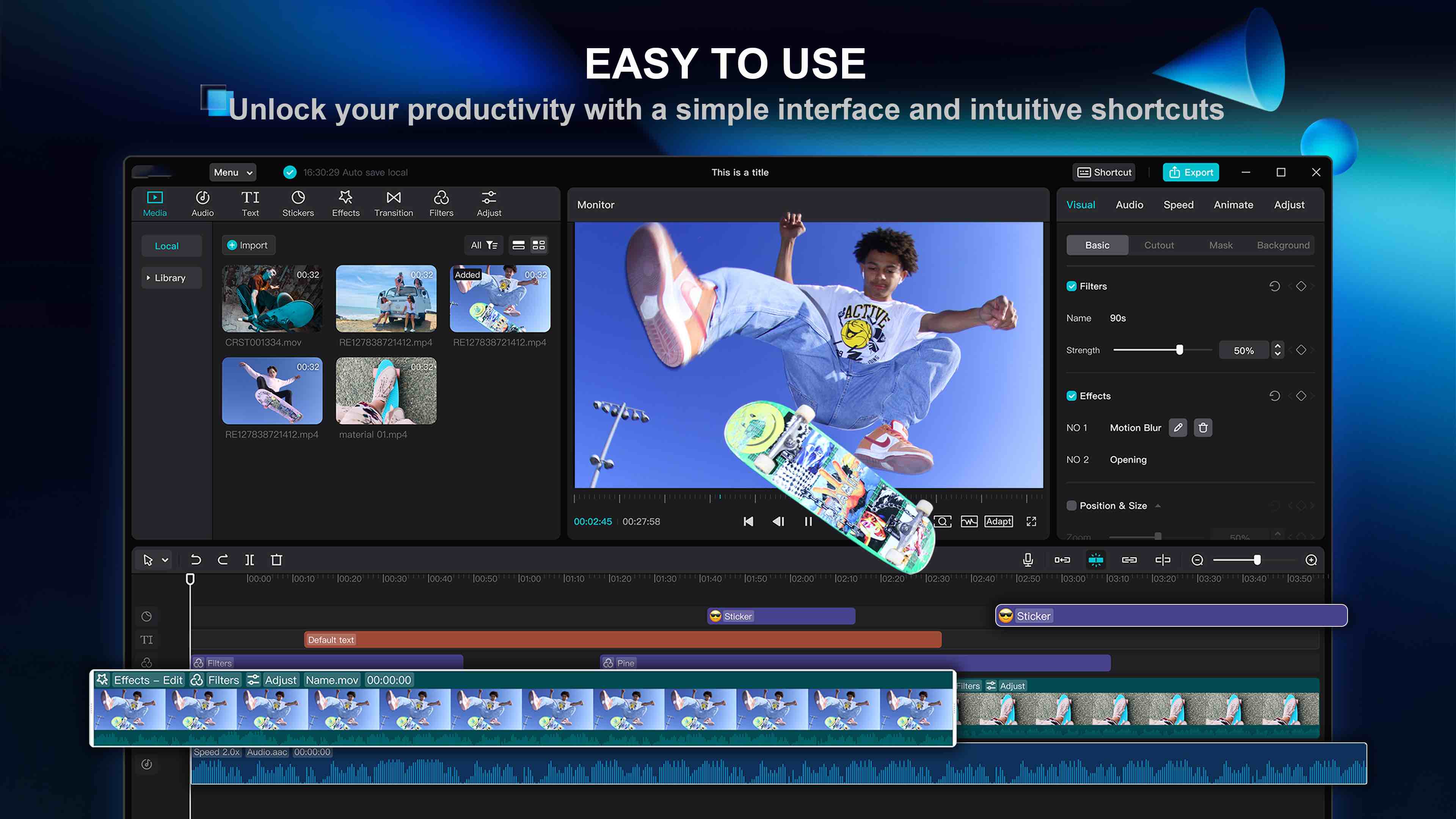
CapCut offers an impressive array of professional editing tools including multi-track editing, advanced color grading, and sophisticated effects. The app supports complex video compositions with multiple layers, enabling users to create professional-quality content that meets industry standards.
Advanced Features & Effects
The app includes advanced features such as motion tracking, chroma key compositing, and 3D effects. Users can apply professional-grade color grading tools, create custom animations, and utilize advanced masking techniques. CapCut's effect library rivals that of premium desktop software.
Performance & Optimization
CapCut demonstrates excellent performance optimization, with smooth playback and efficient rendering even on mid-range devices. The app utilizes advanced algorithms to minimize resource usage while maintaining high-quality output. Export times are competitive with other mobile editing applications.
Template & Asset Library
CapCut provides an extensive library of professional templates, effects, and assets that users can incorporate into their projects. The template system enables quick content creation while maintaining professional quality. Regular updates ensure access to current trends and styles.
Pros:
- Professional-grade editing tools and capabilities
- Advanced effects and motion graphics
- Excellent performance optimization
- Extensive template and asset library
- Multi-track editing support
- Advanced color grading tools
- Regular updates with new features
Cons:
- Complex interface may overwhelm beginners
- Some advanced features require learning curve
- Resource-intensive on older devices
- Limited cross-platform compatibility
- Privacy concerns related to ByteDance ownership
- Some features may be region-restricted
- Limited project file sharing options
Performance Analysis
CapCut performs excellently on modern devices, with efficient resource utilization and fast processing times. The app demonstrates excellent optimization for various hardware configurations and maintains consistent performance across different project complexities.
User Experience Analysis
The user experience is designed for professional video editors who need comprehensive tools in a mobile format. While the interface may be complex for beginners, it provides excellent efficiency and workflow optimization for experienced users. The app offers extensive customization options.
Professional Applications
CapCut serves various professional applications including commercial video production, social media content creation, and educational content development. The app's capabilities make it suitable for video professionals, content creators, and marketing teams who need professional editing tools.
Comparison with Competitors
Compared to apps like KineMaster and InShot, CapCut offers superior professional editing capabilities and advanced effects. The app competes directly with desktop software in terms of feature set and output quality, making it an excellent choice for users who need professional tools in a mobile format.
Future Development & Updates
As a ByteDance product, CapCut benefits from significant development resources and regular updates. The app continues to evolve with new features and improvements, ensuring that users have access to cutting-edge editing technology and current industry standards.